How to enable internet on the XpressMusic 5800 after changing cellular carrier to Golan Telecom
This guide will explain how to enable the internet after changing cellular carrier to Golan Telecom.
קל 1,183 צפיות
מה תצטרך
- nokia
- golan telecom
שלבים
- 1
שלב 1
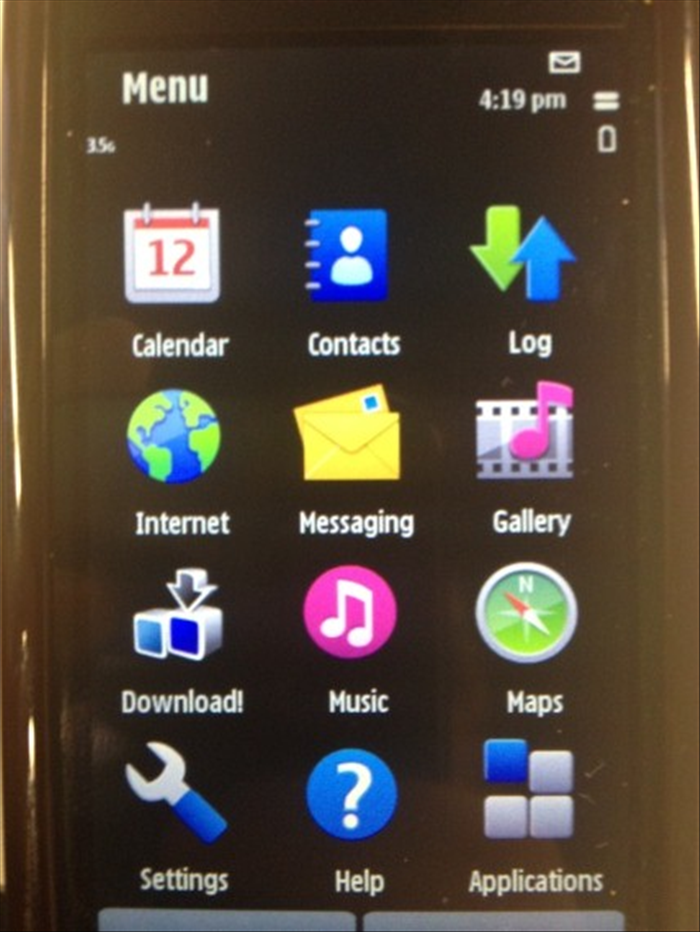 Go to the menu and choose "Settings".
 - 2
שלב 2
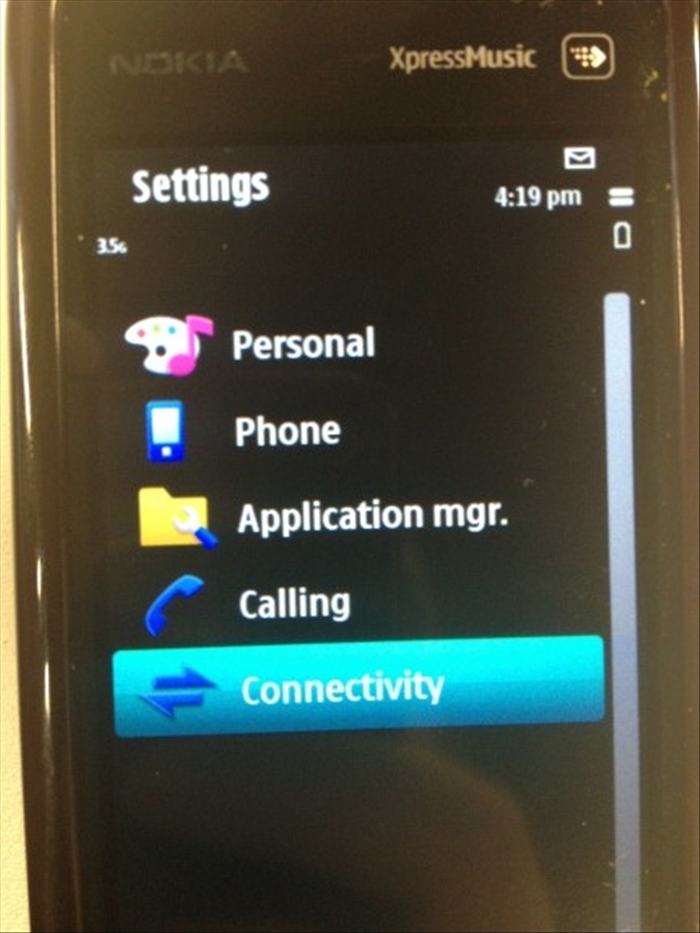 Then choose "Connectivity".
 -
- 3
שלב 3
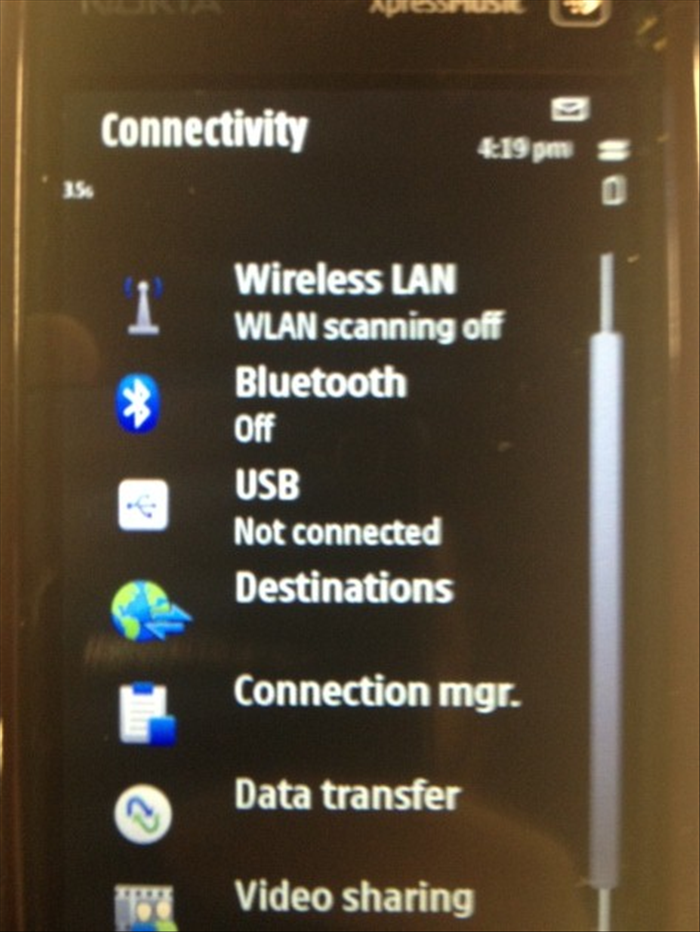 Choose "Destinations"
 - 4
שלב 4
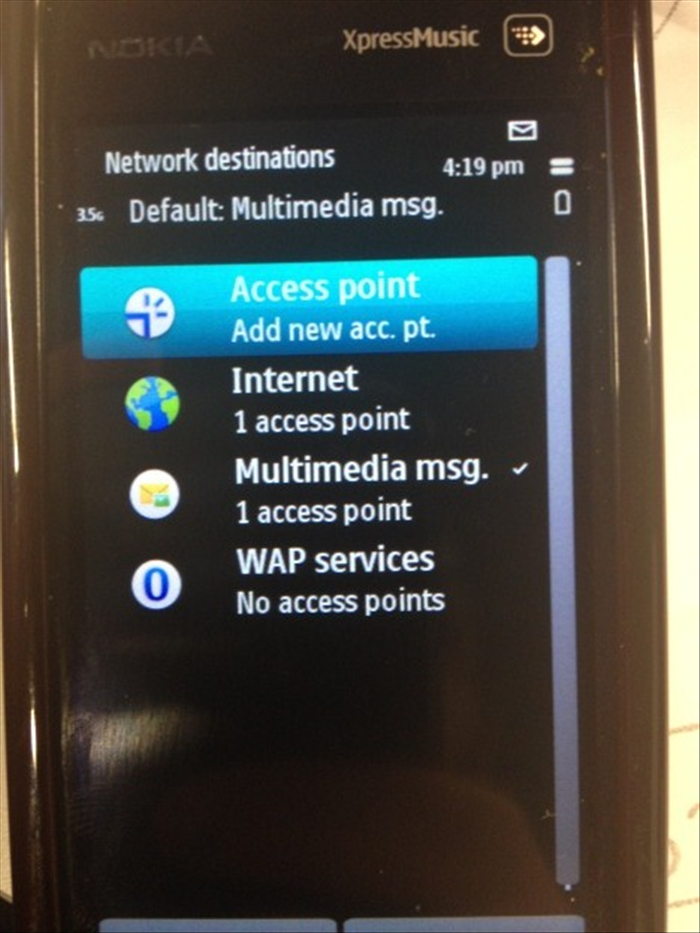 Choose "Access Point"
 - 5
שלב 5
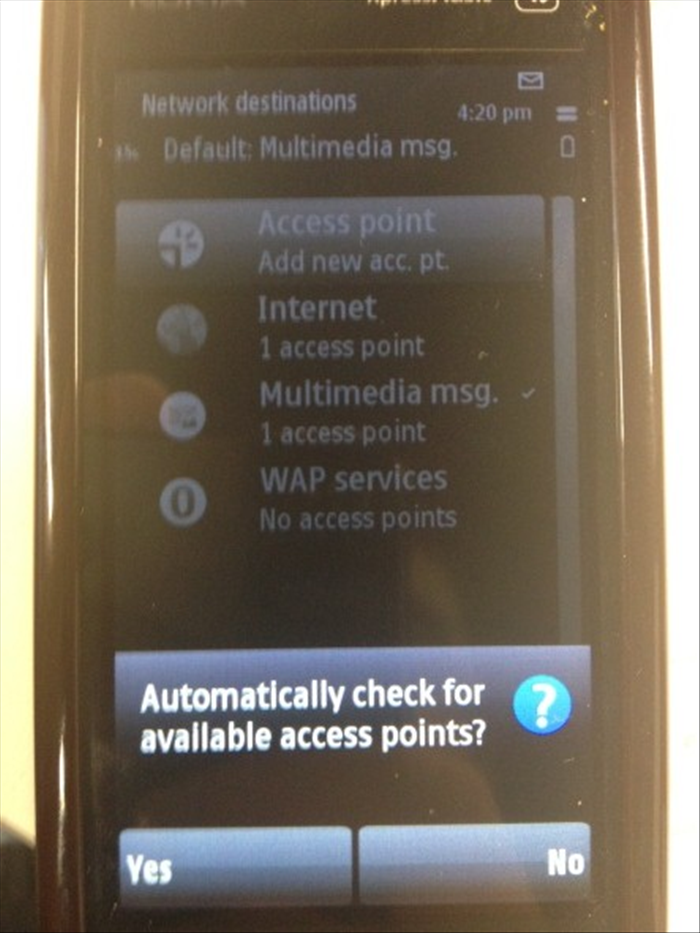 Answer "No" to the question: "Automatically check for available access points?"
 - 6
שלב 6
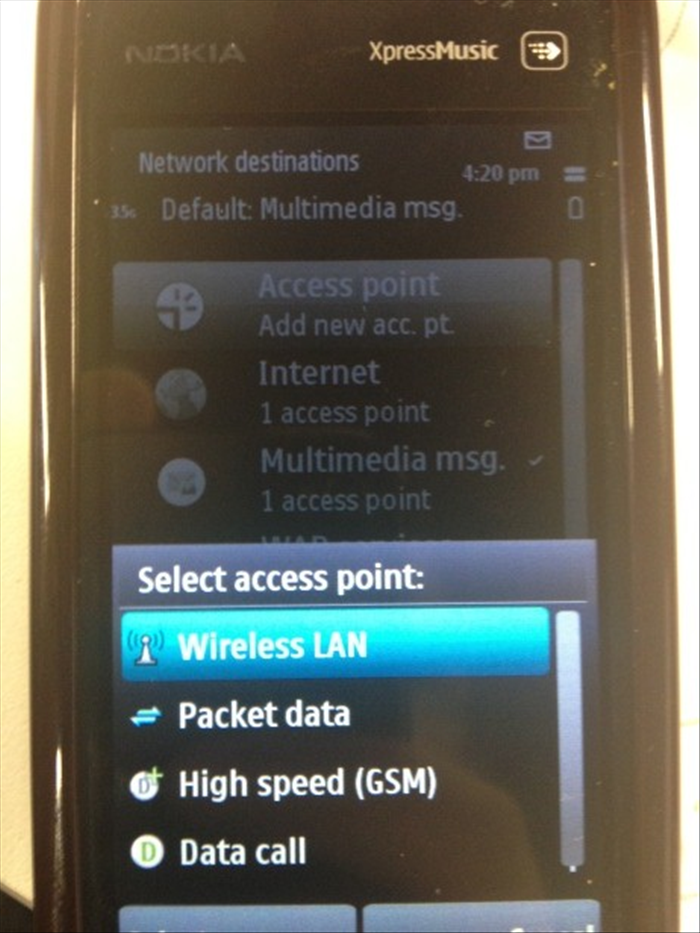 Now, choose "Packet Data"
 - 7
שלב 7
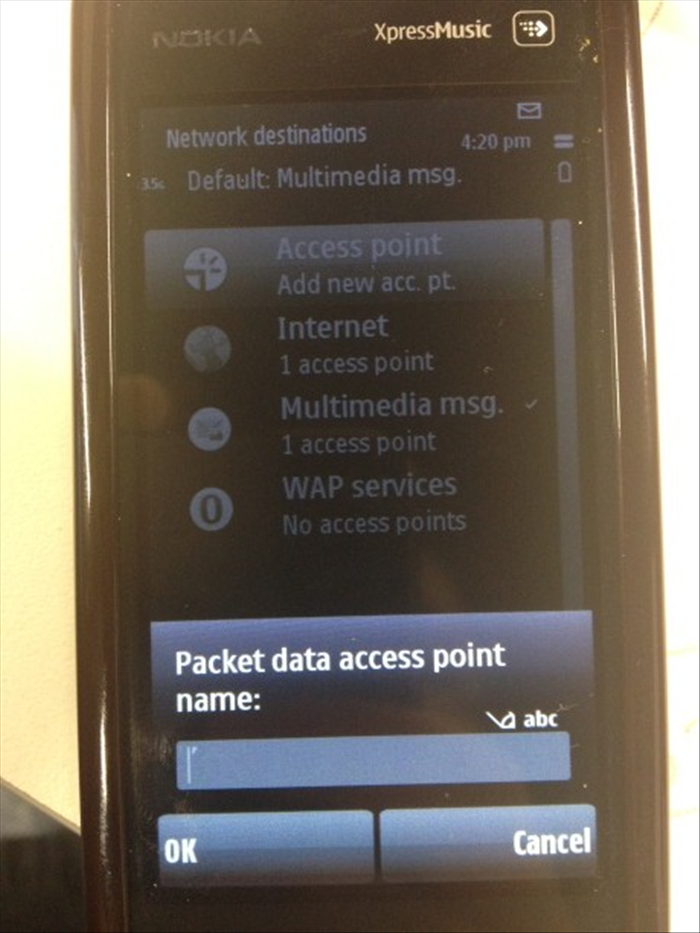 Type “Golan_data”.
 - 8
שלב 8
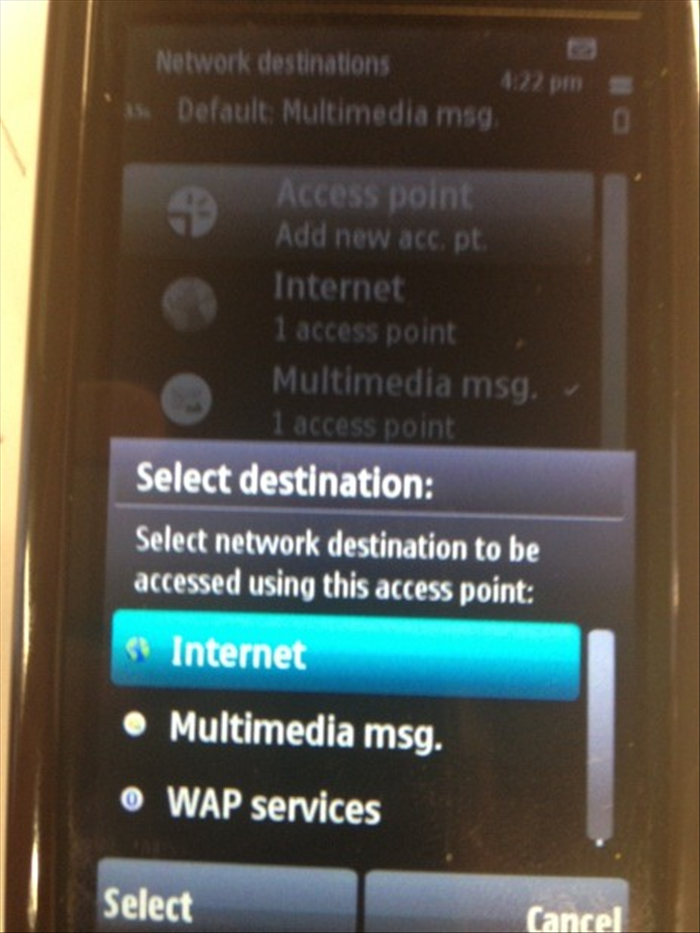 In the “Select destination” menu, choose “Internet”.
 - 9
שלב 9
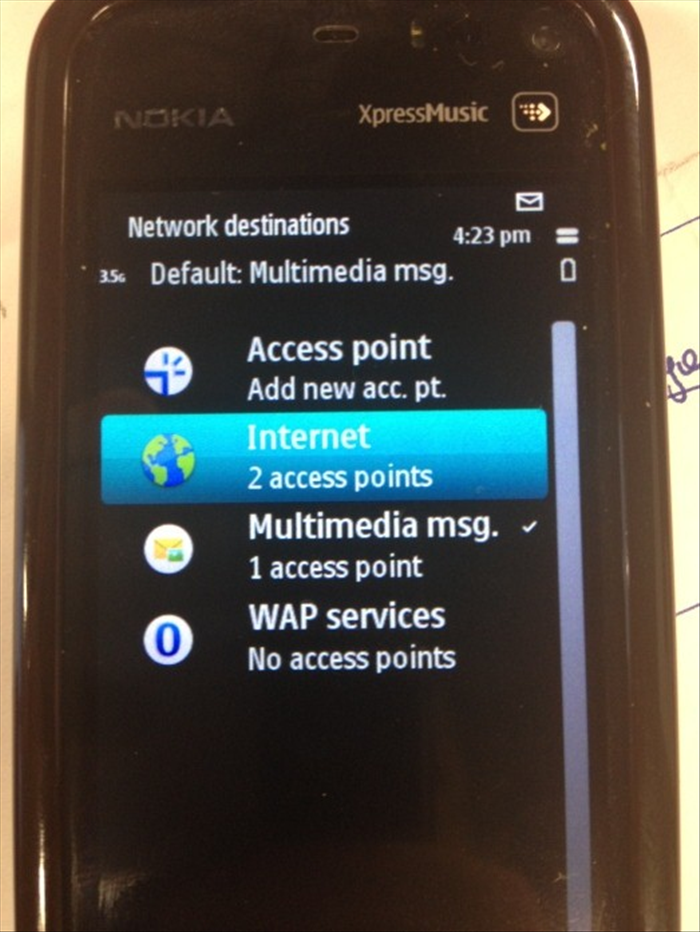 Now, choose “Internet”.
 - 10
שלב 10
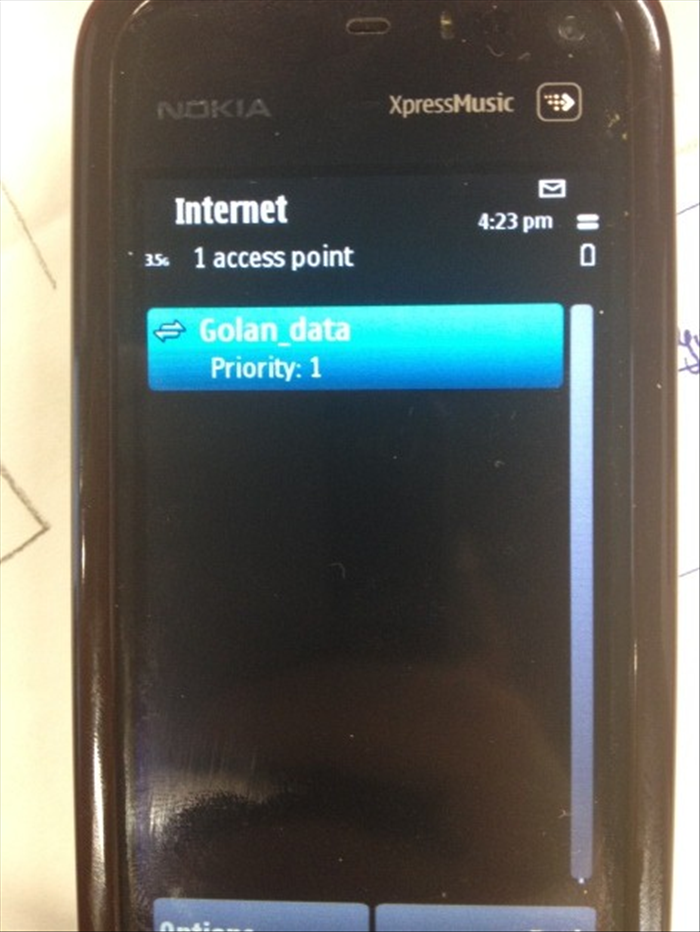 Choose the Access Point you’ve just created: Golan_data
 - 11
שלב 11
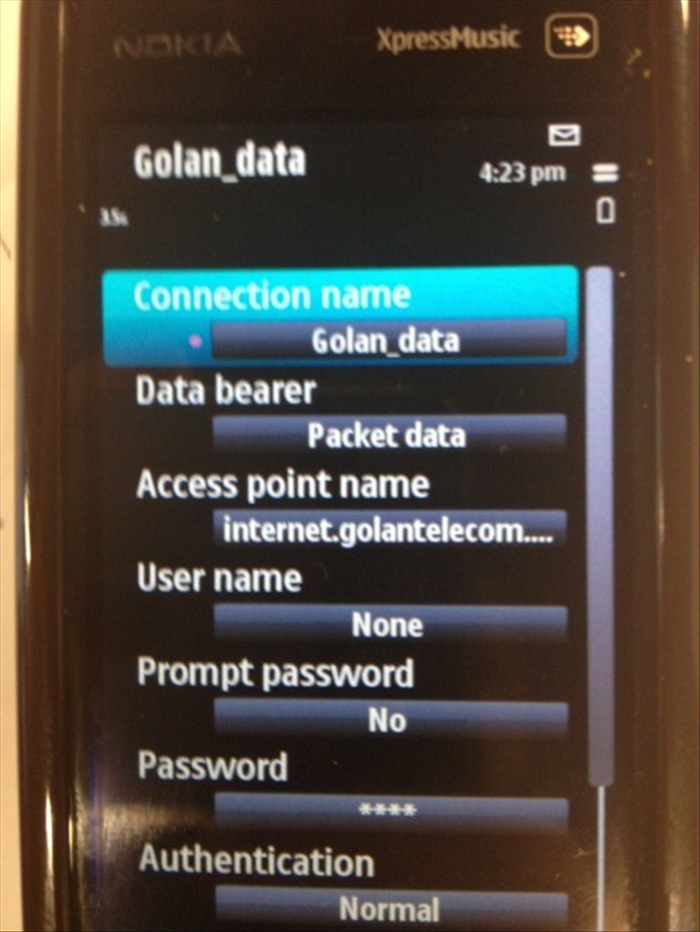 Connection name: Golan_data Data bearer: Packet data Access point name: internet.golantelecom.net.il Prompt password: No Authentication: Normal
 - 12
שלב 12
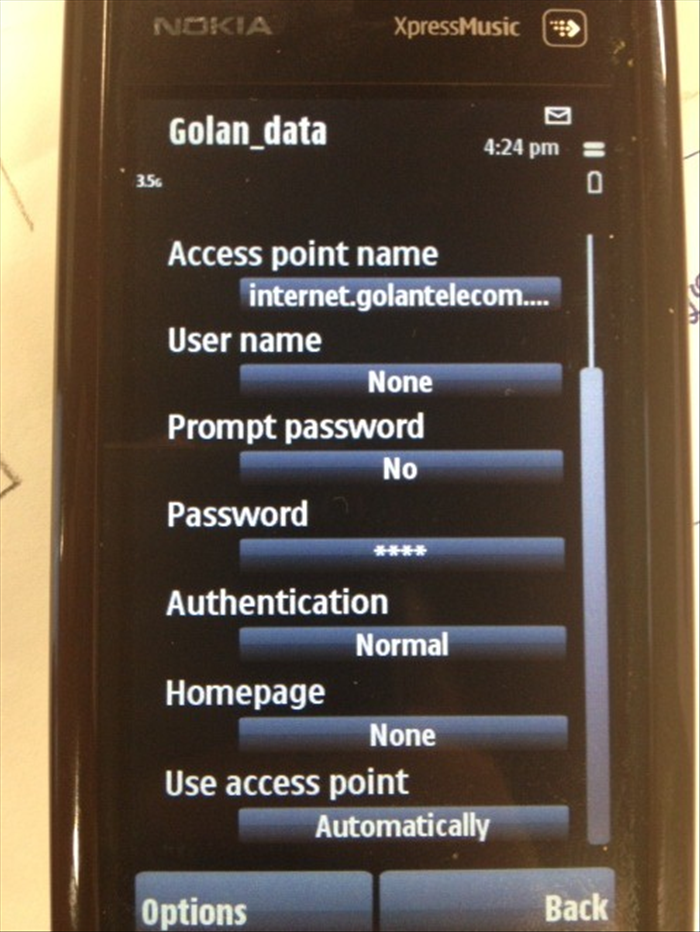 Use access point : Automatically