How to enable internet on the Sony Ericsson K800i after changing celluler carrier to Golan Telecom
This guide will show you how to enable internet use on Sony Ericsson K800i after changing celluler carrier to Golan Telecom
קל 1,258 צפיות
מה תצטרך
- Golan telecom
- גולן טלקום
- Sony ericcson
שלבים
- 1
שלב 1
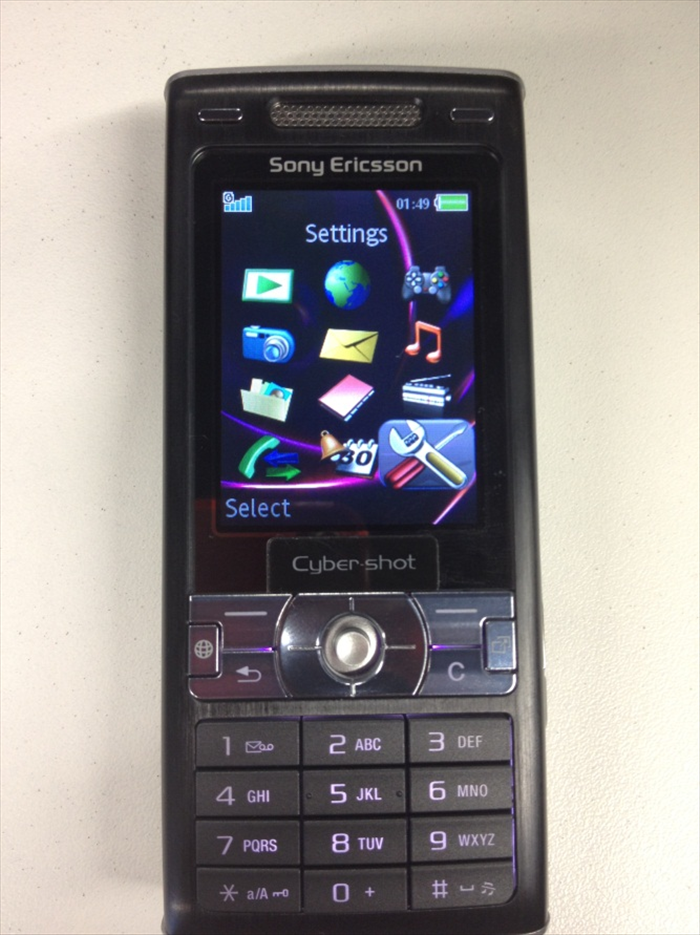 Enter "Menu" and then choose "Settings".
 - 2
שלב 2
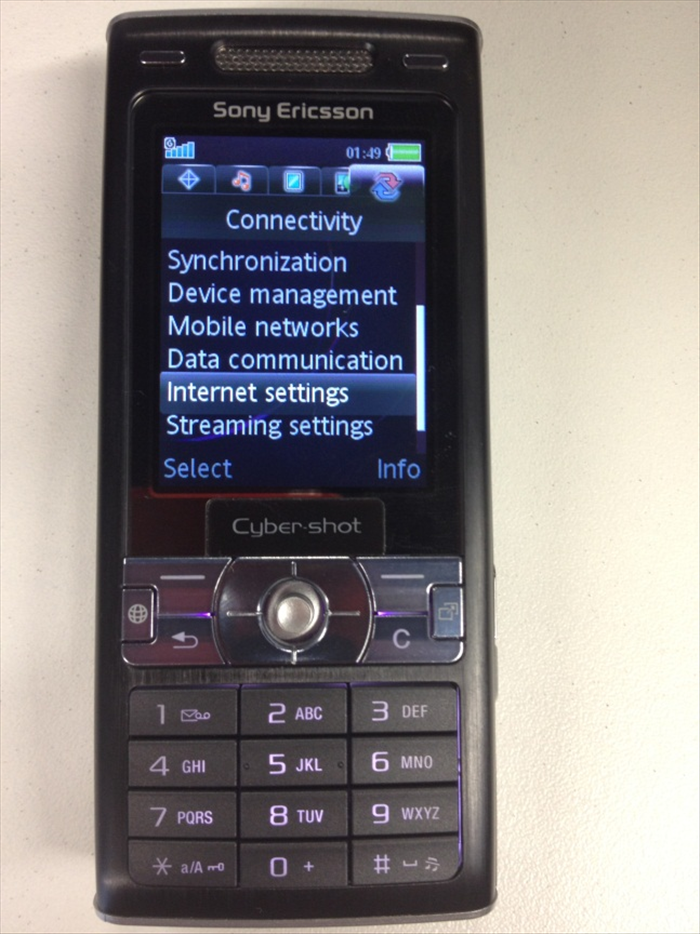 Navigate to the Right (to Connectivity) and choose "Internet settings"
 -
- 3
שלב 3
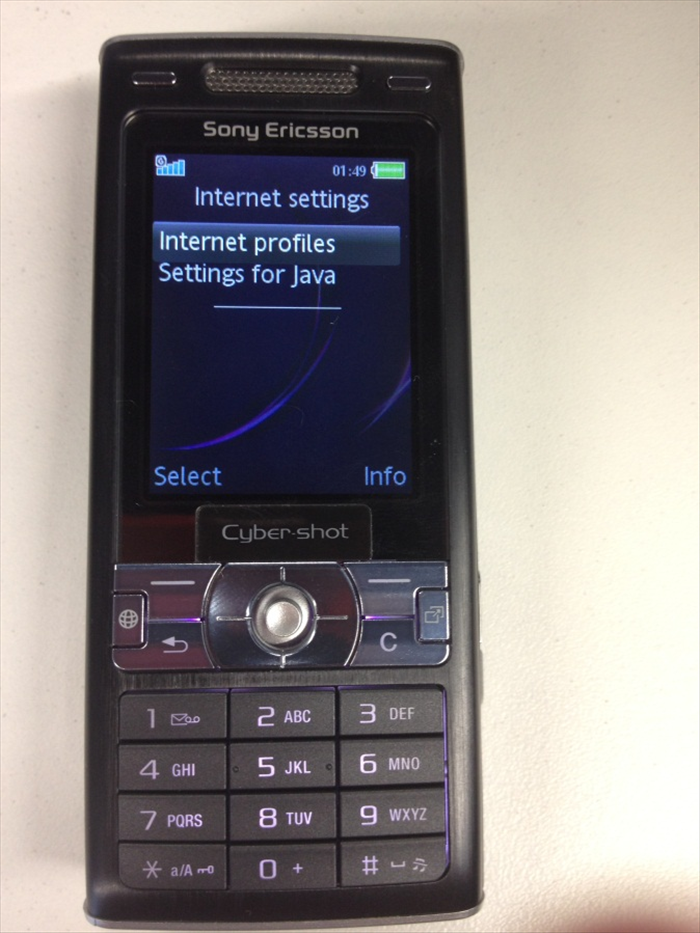 Choose "internet profiles".
 - 4
שלב 4
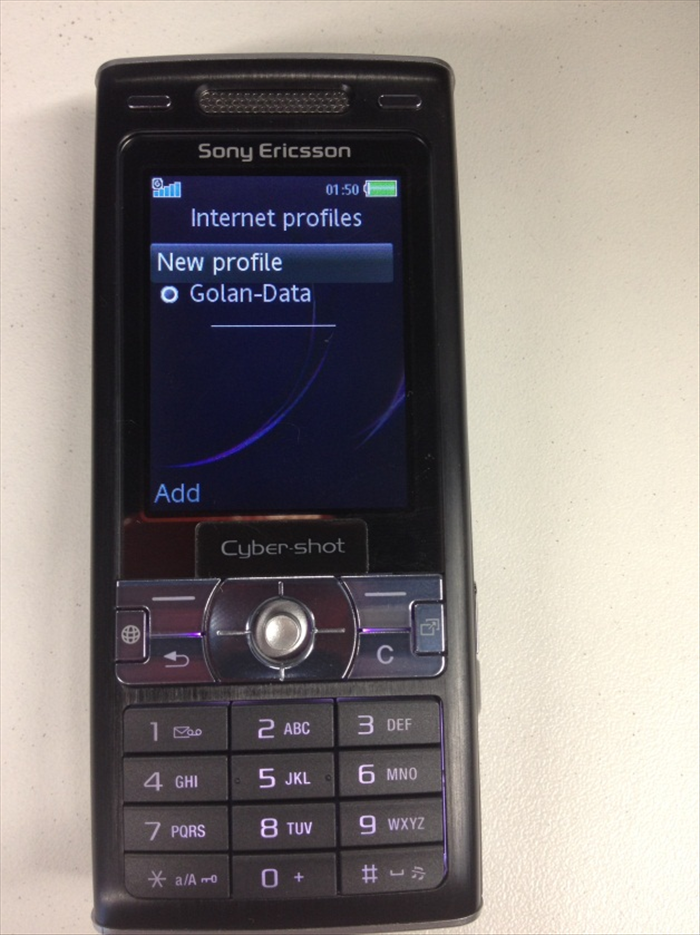 Choose "New profile"
 - 5
שלב 5
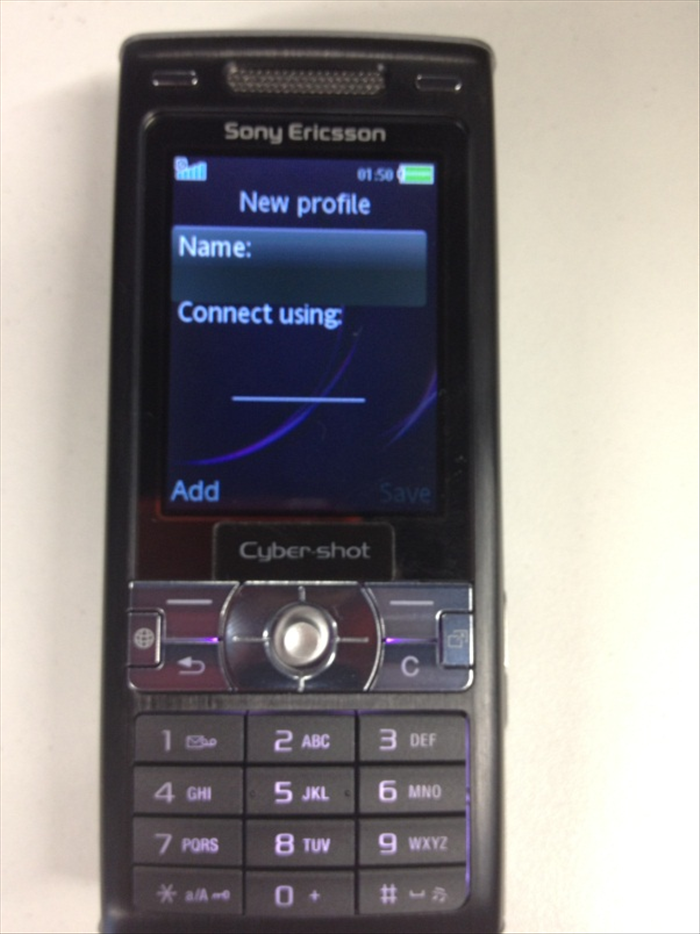 Define the following settings: Name: Golan_data Choose: "Connect using"
 - 6
שלב 6
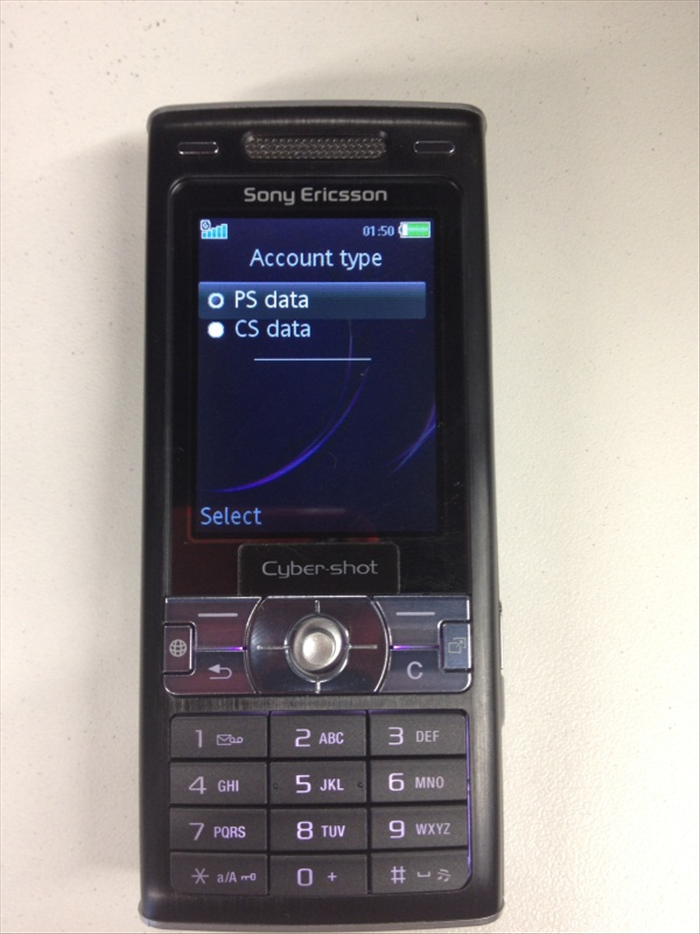 Choose "PS data"
 - 7
שלב 7
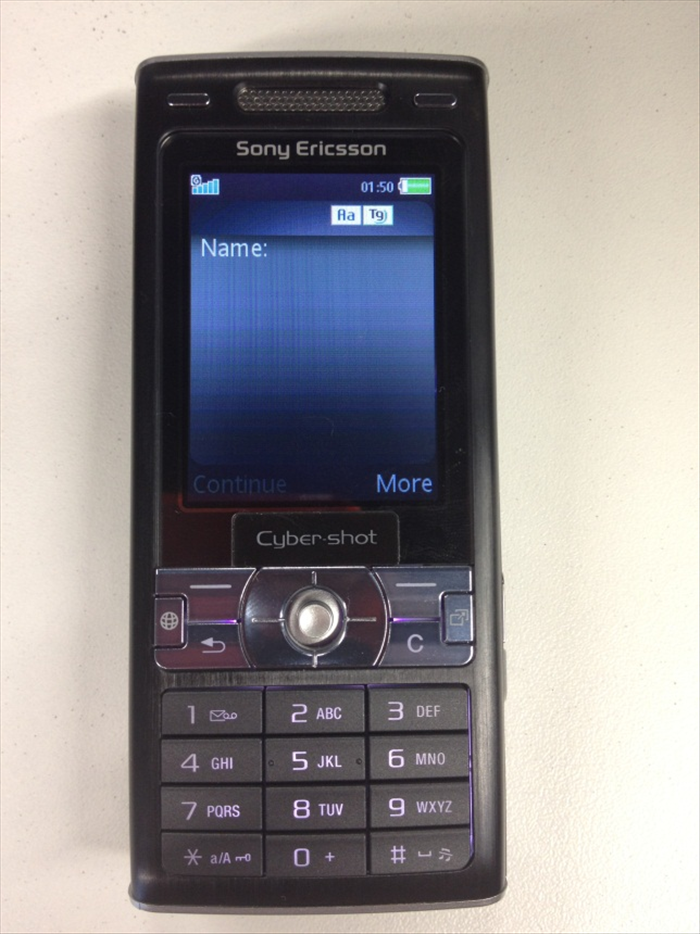 In the "Name" text field, Enter "Golan_data"
 - 8
שלב 8
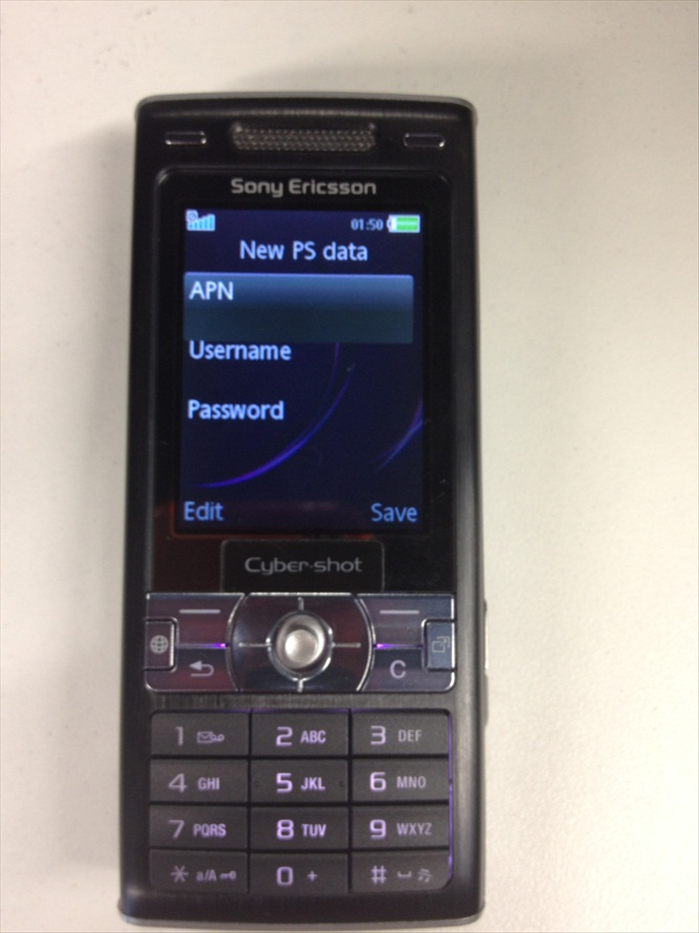 Type the following settings: APN: internet.golantelecom.net.il Username: None Password: None
 - 9
שלב 9
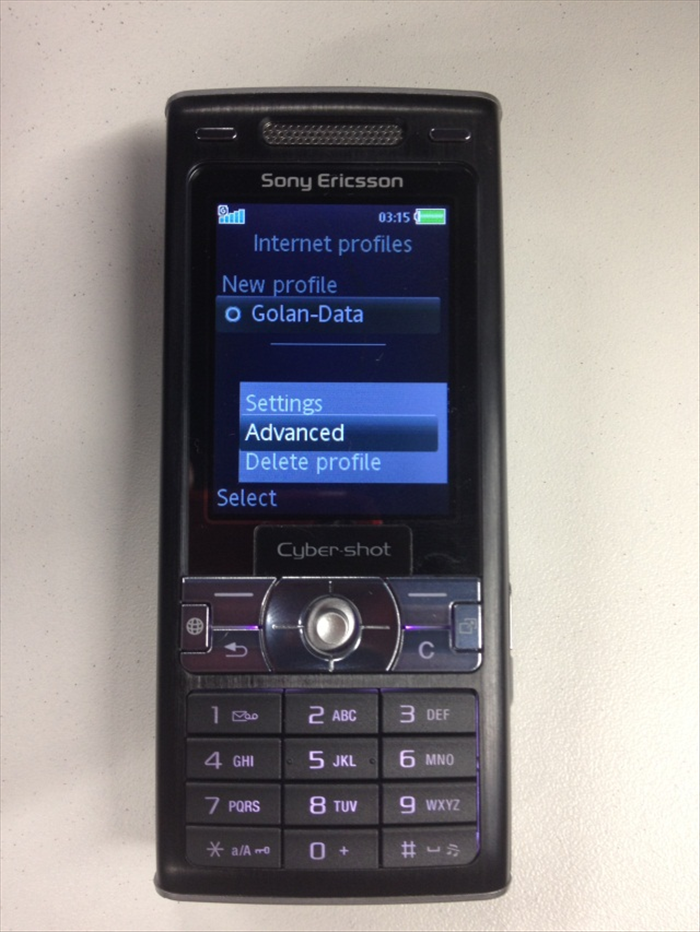 Go back to the "Internet profiles" menu once again. Choose the profile that you've created (Golan_data) and press on "More" (At the "options" menu at the bottom right). choose "Advanced"
 - 10
שלב 10
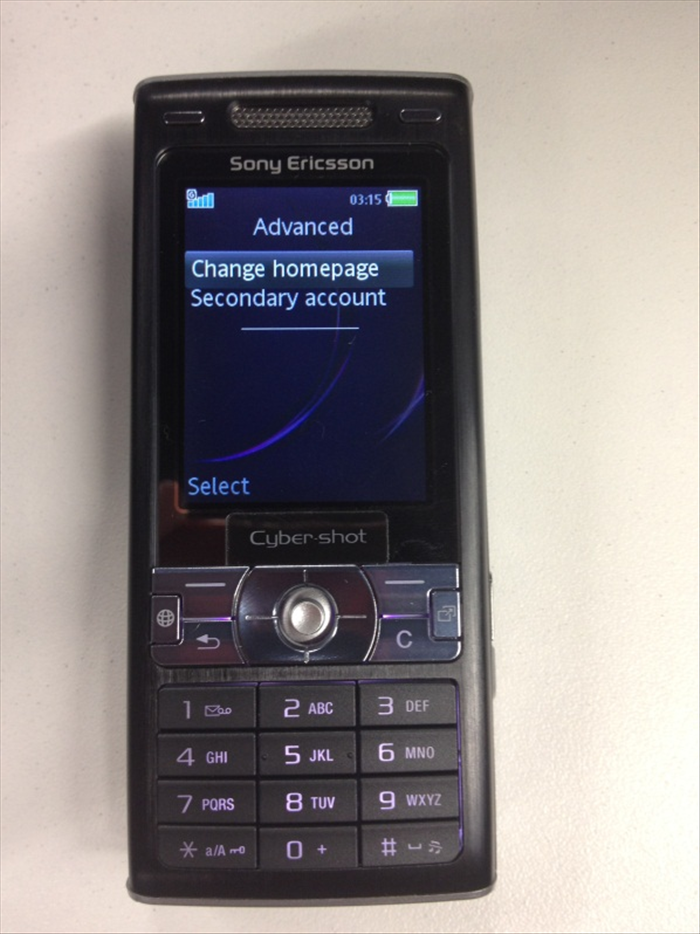 Now, choose "Change homepage".
 - 11
שלב 11
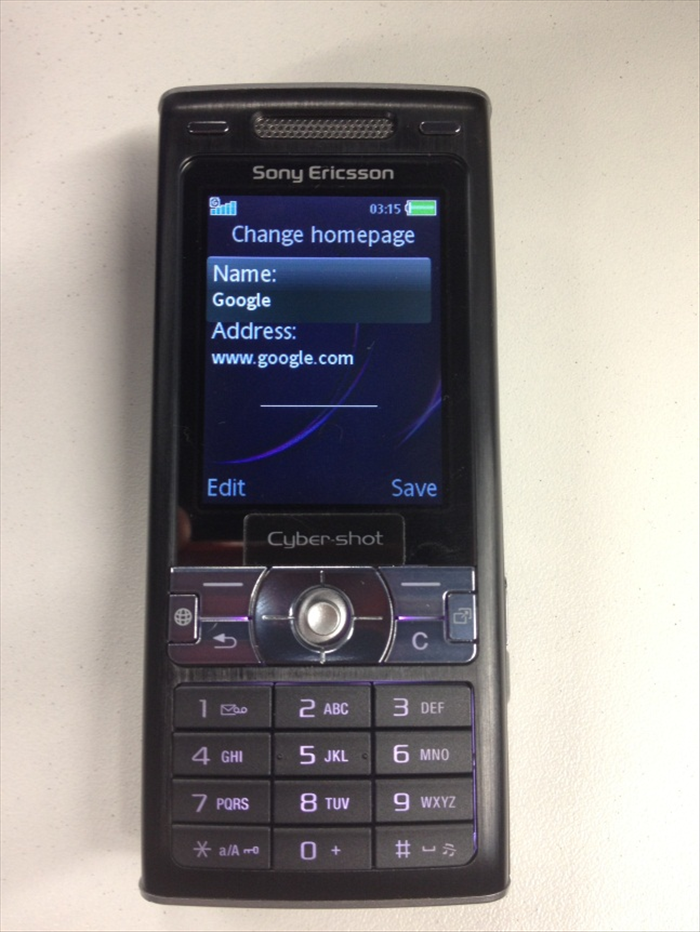 In the "Name" text field Type "Google" In the "Address" field Type www.google.com
 - 12
שלב 12
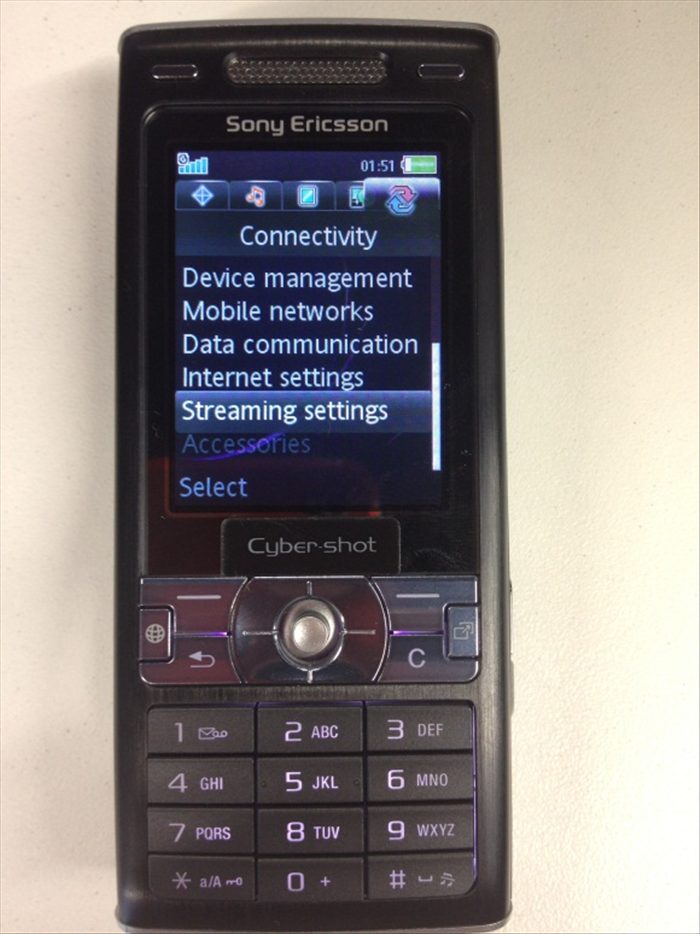 Go back to the Connectivity Menu and choose "streaming settings".
 - 13
שלב 13
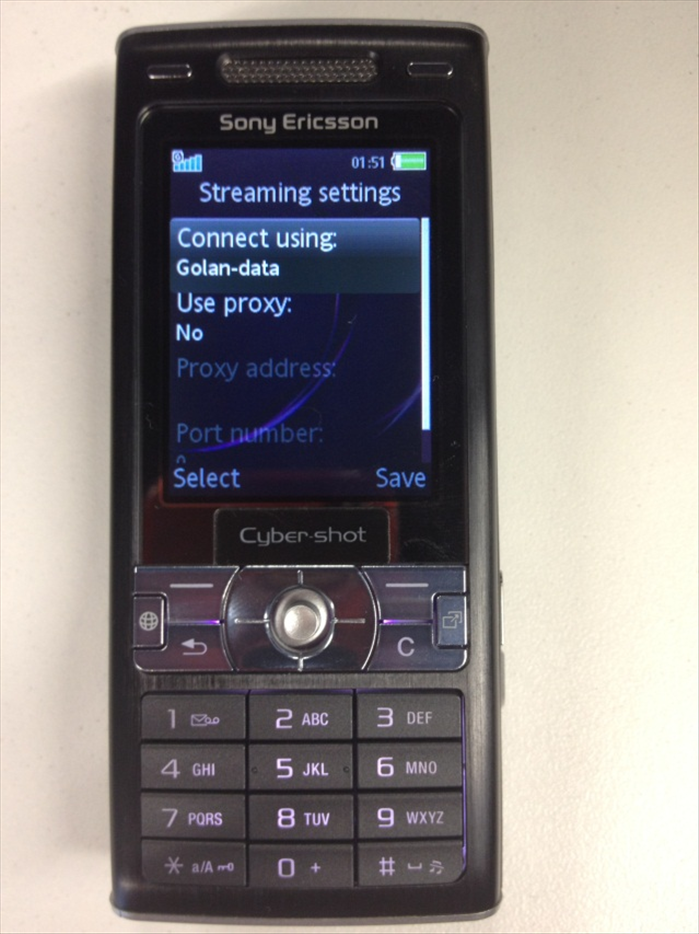 Change these settings: "Connect using": Golan_data "Use proxy": No