How to configure the Internet on the Samsung WAVE after changing carriers to Golan Telecom
This guide will show you how to configure the Internet on the Samsung WAVE after changing carriers to Golan Telecom
קל 4 צפיות
שלבים
- 1
שלב 1
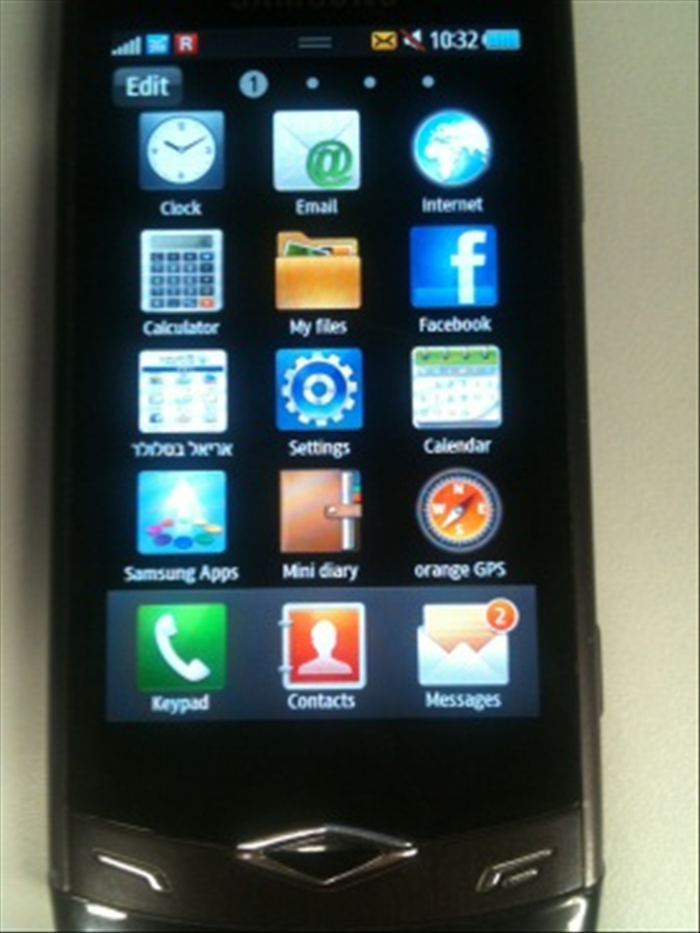 Sign in menu Then enter the settings
 - 2
שלב 2
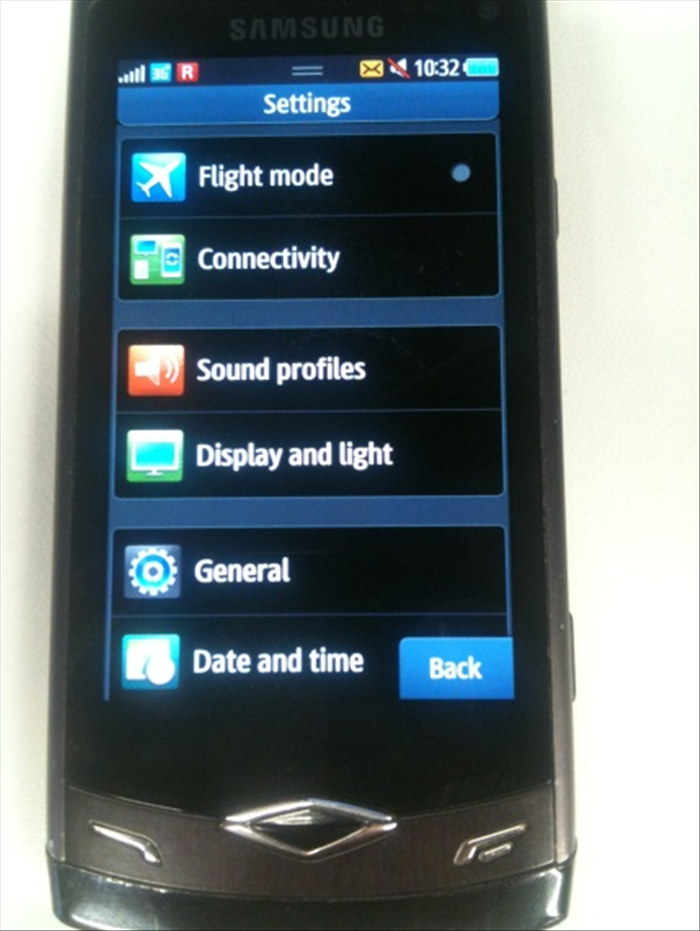 Sign connectivity
 -
- 3
שלב 3
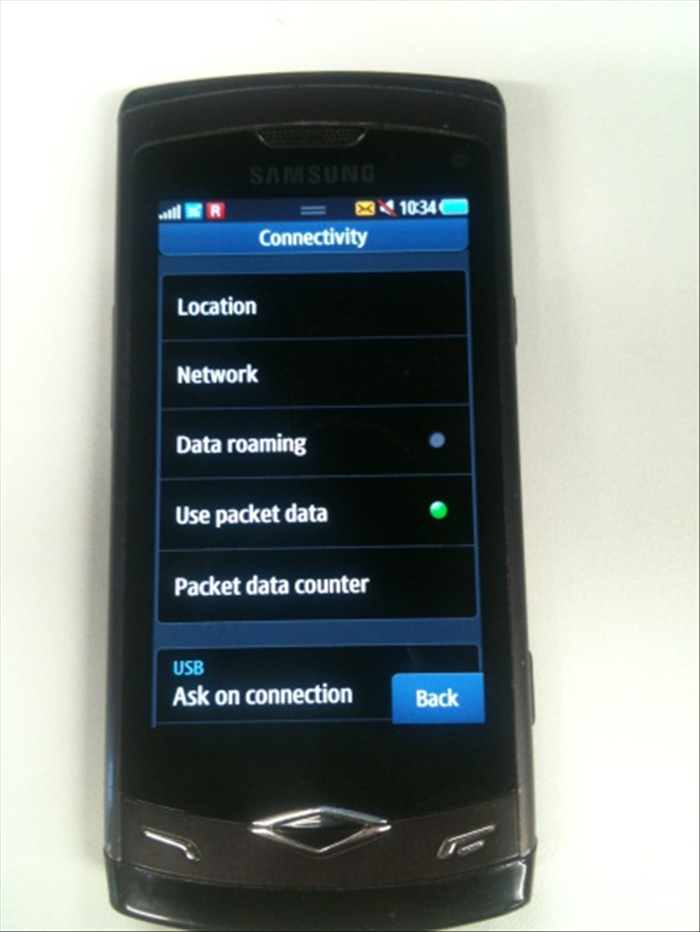 Select the network
 - 4
שלב 4
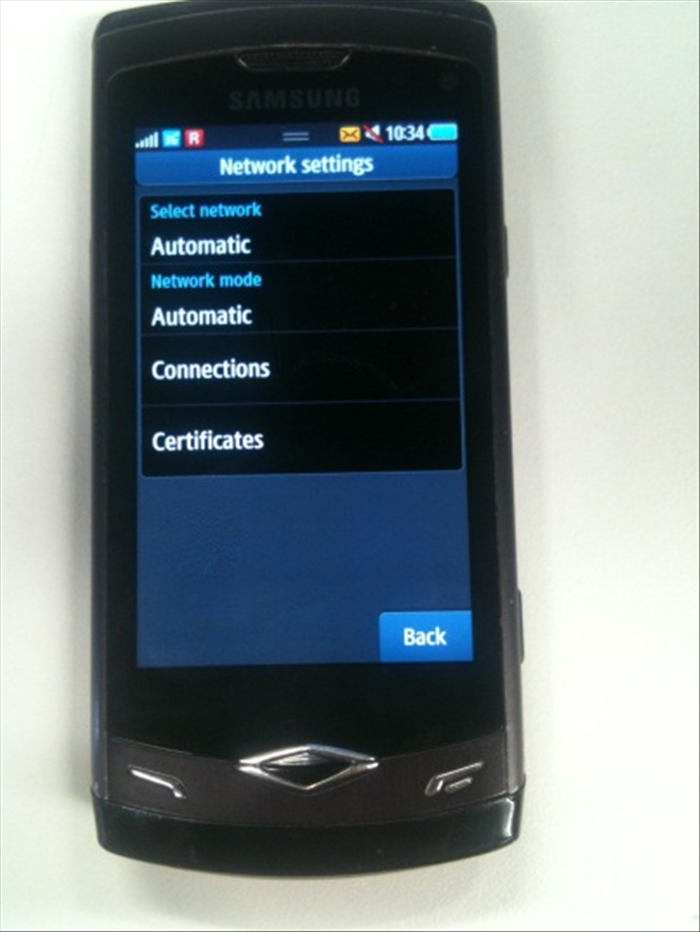 Then sign connections
 - 5
שלב 5
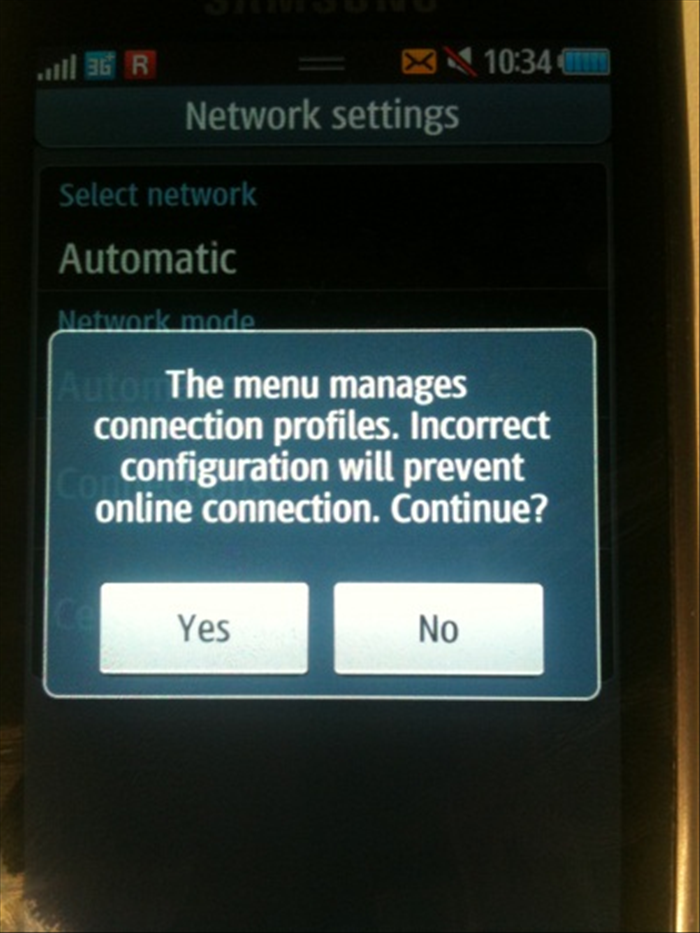 When you click on the Connections window will pop you please confirm it Once confirmed the alarm press the 3 dots ... And did zero to default then select tire
 - 6
שלב 6
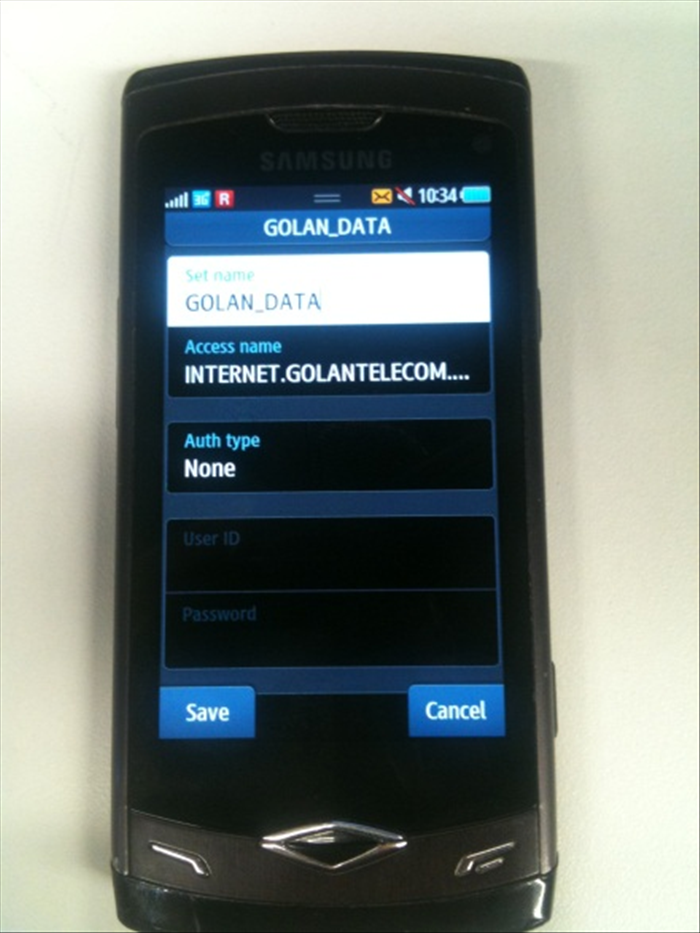 And define the following settings as shown in the following pictures
 - 7
שלב 7
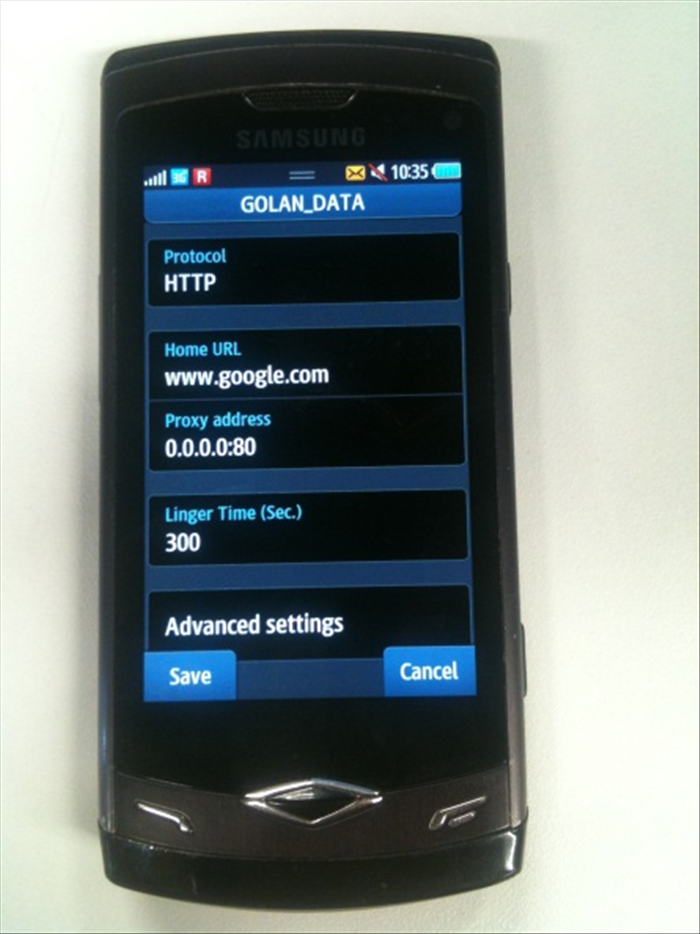 After you set up all the settings press "Save" and put in V and made contact again
 - 8
שלב 8
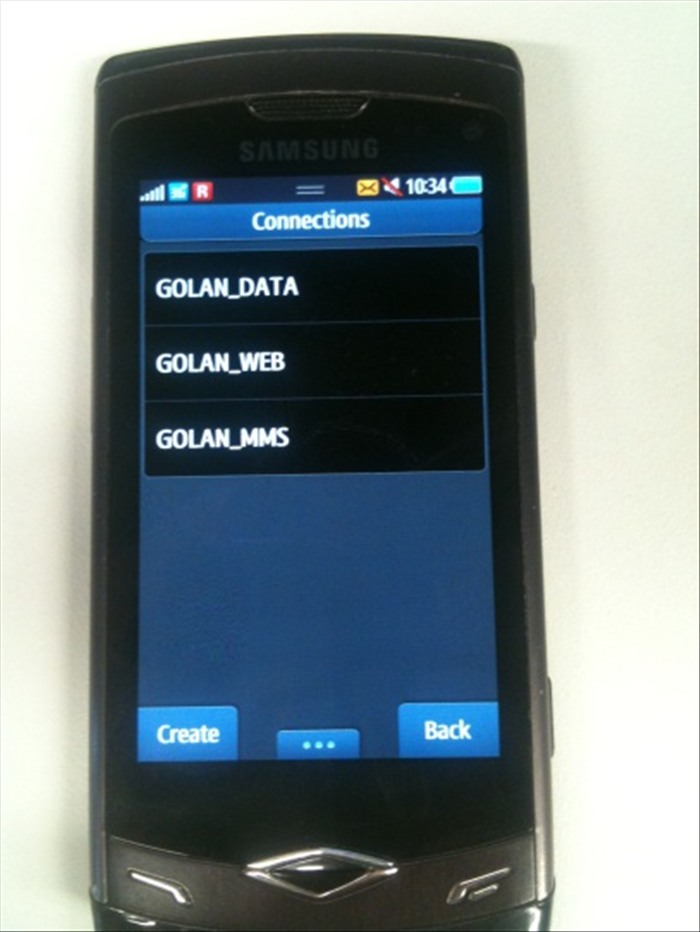
- 9
שלב 9
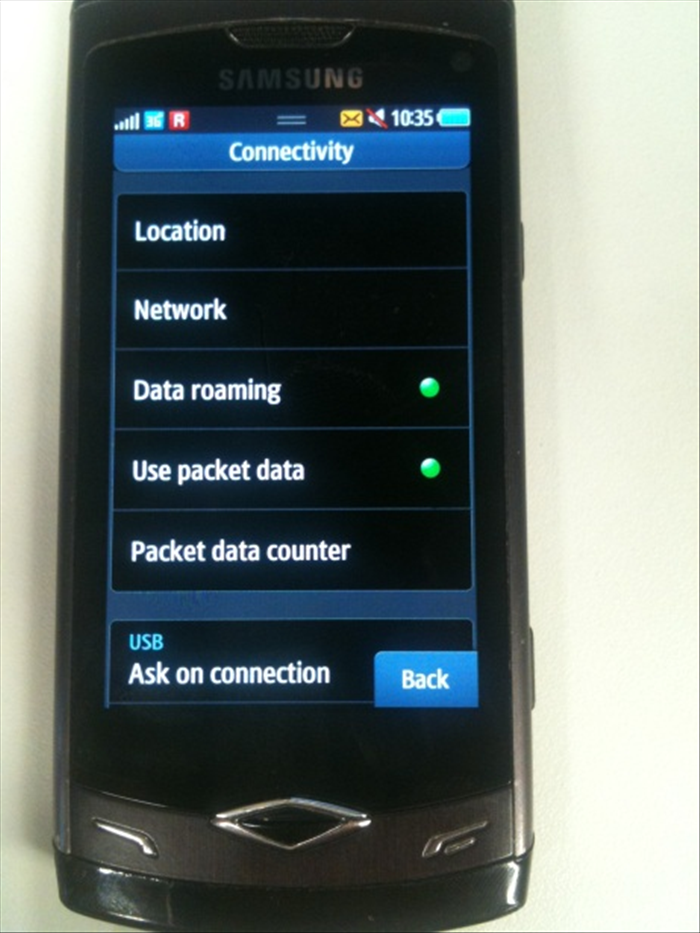 Go back to the connectivity screen Make sure "Data roaming" is checked in green and use the "data traffic" is marked in green as well.