How to configure Internet settings on your Samsung GOOGLE NEXUS after changing carriers to Golan Telecom
This guide will show you how to change the internet settings on your phone after changing carriers to Golan Telecom.
קל 4 צפיות
מה תצטרך
- Golan telecom
- Internet; Nexus
שלבים
- 1
שלב 1
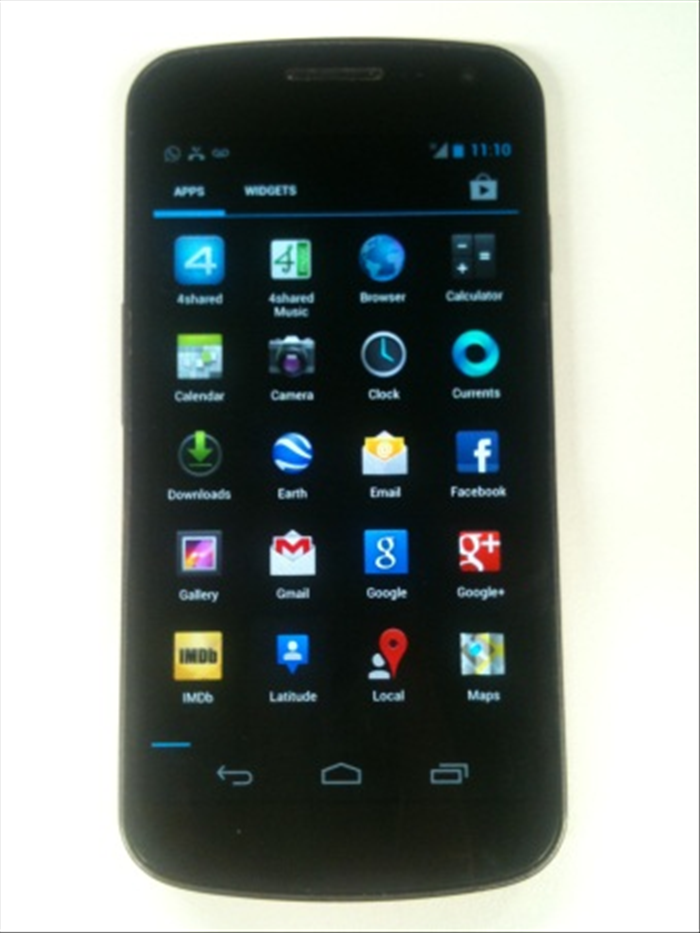 Go to menu Click on the double rectangle button on the phone (right).
 - 2
שלב 2
 Select "settings".
 -
- 3
שלב 3
 Click on "More ..."
 - 4
שלב 4
 Then click on "mobile networks".
 - 5
שלב 5
 Make sure that the two first options are checked. (Data enabled and data roaming) Then enter the "access points names" option.
 - 6
שלב 6
 Select the options button on the bottom right (three vertical points) and select "New APN".
 - 7
שלב 7
 Define the following settings according to the pictures: name GOLAN_DATA: Access point (APN): internet.golantelecom.net.il Proxy: not set Port: not set Username: not set Password: not set Server: not set MMSC: not set MMS Proxy: not set MMS port: not set
 - 8
שלב 8
 MCC: 425 MNC: 08 Authentication type is selected the option "No" Default APN type selected Operator: not specified AP protocol chosen: IPv4
 - 9
שלב 9
 Click on the three vertical dots button and choose save.